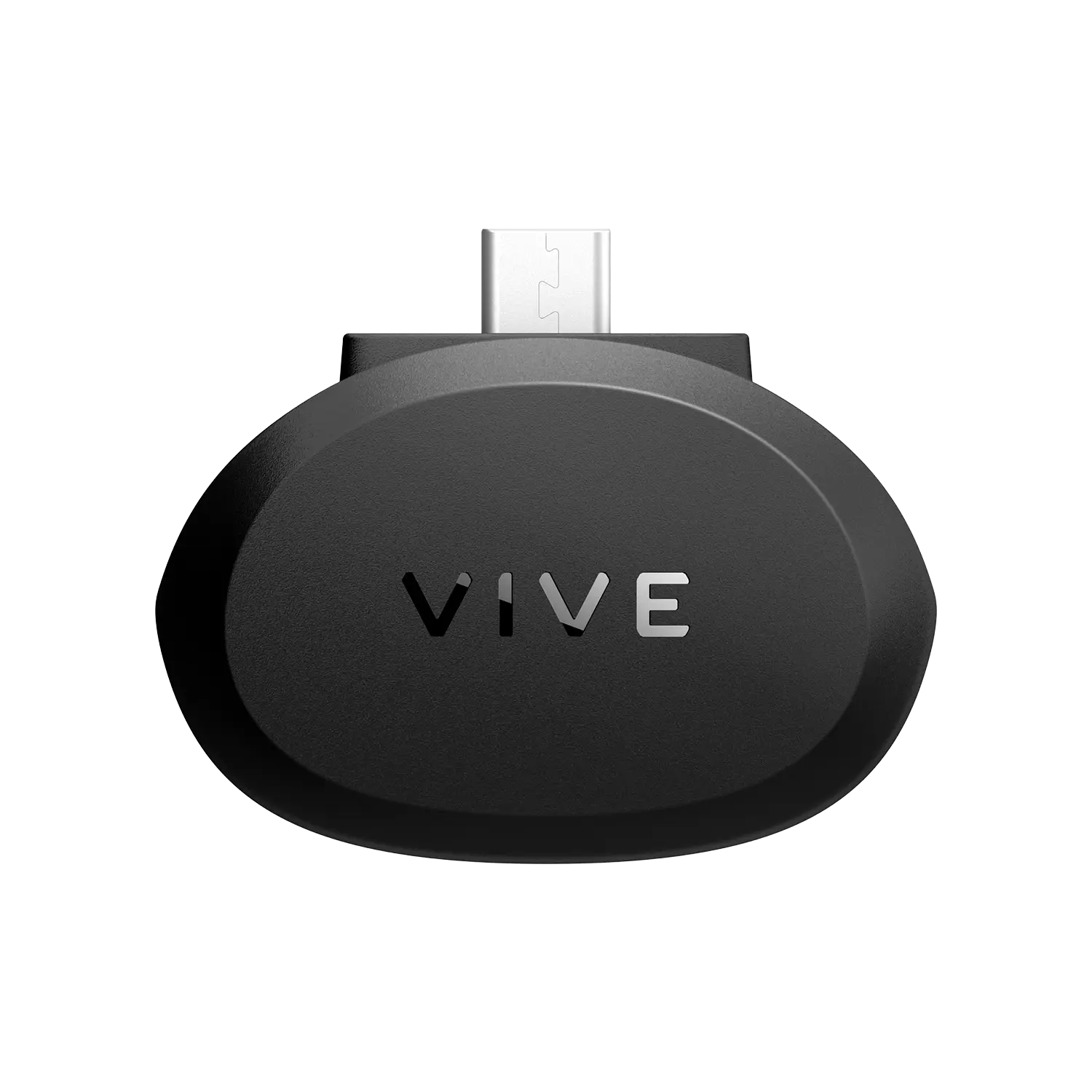
Facial Tracker for VIVE Focus Series
Expressive interactions in VR.
Easy to connect. Capture with precision. Liven up your VRChat avatar and VTuber content with smooth, real-time face tracking.1,2
High accuracy. Low Latency.
Track facial movements via 38 blend shapes across your lips, teeth, tongue, jaw, cheeks, and chin at 60 Hz.
*Supports standalone and PC VR versions of VRChat and a variety of immersive experiences.2
In-box items
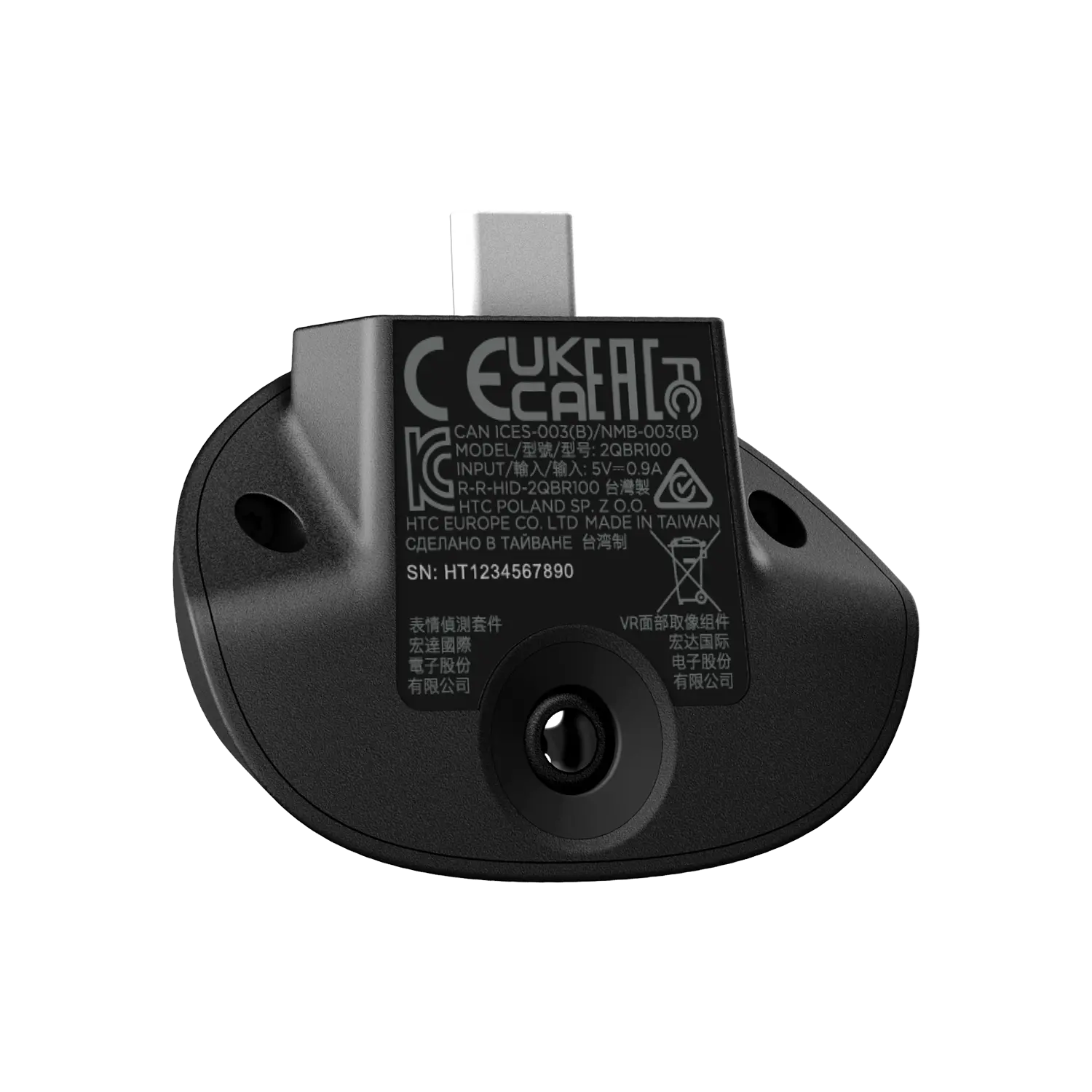
- Facial Tracker for VIVE Focus Series
- Safety guide
- Warranty card
Specs
- Headset compatibility: VIVE Focus Vision
-
Sensor: Mono camera at 60 Hz, Diagonal field of view 151°
SDK support: Unity, Unreal Engine, and Native support - Connectivity: USB Type-C
- Weight: 11.6 g +/-1 g
- All-in-one VR support: VIVE Wave SDK
- PC VR support: OpenXR over VIVE Streaming
Frequently Asked Questions
The Facial Tracker is an accessory that adds real-time facial expression tracking to supported VIVE headsets. It captures movements like lips, jaw, cheeks, and tongue to bring more lifelike expressions to avatars, VRChat interactions, and VTuber content.
It works with VIVE Focus Vision and VIVE Focus 3 headsets.
The tracker uses a mono camera to read facial movements using 38 blend shapes across areas like lips, jaw, cheeks, chin, teeth, and tongue at a 60 Hz tracking rate for smooth, low-latency performance.
It connects directly via the headset’s built-in USB-Type-C port—no extra adapters or cables required.
You need content that supports face tracking (e.g., VRChat avatars with face tracking support). Compatible software must also meet system requirements.
Yes, when streaming PC VR or using apps that support facial tracking via OpenXR extensions or compatible SDKs, you can use the tracker in supported PC VR titles.
SDK support is provided for Unity, Unreal Engine, and native development. Developers can integrate facial tracking into their apps using available SDKs and runtimes.
You can enable facial tracking for VRChat avatars that support the VRCFaceTracking protocol. In PC VR setups, you’ll often need to configure VIVE Hub and VRChat’s OSC/VRCFT settings to route the tracker data.
Yes, facial tracking enhances non-verbal communication, avatar performance capture, soft skills training, VR collaboration, and creative applications.
1. Content compatibility required. Compatible content and devices sold separately. System requirements must be met.
2. VRChat avatars must support VRCFaceTracking to work with Facial Tracker for VIVE Focus Series.
Original: $119.00
-70%$119.00
$35.70

Description
Expressive interactions in VR.
Easy to connect. Capture with precision. Liven up your VRChat avatar and VTuber content with smooth, real-time face tracking.1,2
High accuracy. Low Latency.
Track facial movements via 38 blend shapes across your lips, teeth, tongue, jaw, cheeks, and chin at 60 Hz.
*Supports standalone and PC VR versions of VRChat and a variety of immersive experiences.2
In-box items
- Facial Tracker for VIVE Focus Series
- Safety guide
- Warranty card
Specs
- Headset compatibility: VIVE Focus Vision
-
Sensor: Mono camera at 60 Hz, Diagonal field of view 151°
SDK support: Unity, Unreal Engine, and Native support - Connectivity: USB Type-C
- Weight: 11.6 g +/-1 g
- All-in-one VR support: VIVE Wave SDK
- PC VR support: OpenXR over VIVE Streaming
Frequently Asked Questions
The Facial Tracker is an accessory that adds real-time facial expression tracking to supported VIVE headsets. It captures movements like lips, jaw, cheeks, and tongue to bring more lifelike expressions to avatars, VRChat interactions, and VTuber content.
It works with VIVE Focus Vision and VIVE Focus 3 headsets.
The tracker uses a mono camera to read facial movements using 38 blend shapes across areas like lips, jaw, cheeks, chin, teeth, and tongue at a 60 Hz tracking rate for smooth, low-latency performance.
It connects directly via the headset’s built-in USB-Type-C port—no extra adapters or cables required.
You need content that supports face tracking (e.g., VRChat avatars with face tracking support). Compatible software must also meet system requirements.
Yes, when streaming PC VR or using apps that support facial tracking via OpenXR extensions or compatible SDKs, you can use the tracker in supported PC VR titles.
SDK support is provided for Unity, Unreal Engine, and native development. Developers can integrate facial tracking into their apps using available SDKs and runtimes.
You can enable facial tracking for VRChat avatars that support the VRCFaceTracking protocol. In PC VR setups, you’ll often need to configure VIVE Hub and VRChat’s OSC/VRCFT settings to route the tracker data.
Yes, facial tracking enhances non-verbal communication, avatar performance capture, soft skills training, VR collaboration, and creative applications.
1. Content compatibility required. Compatible content and devices sold separately. System requirements must be met.
2. VRChat avatars must support VRCFaceTracking to work with Facial Tracker for VIVE Focus Series.